






















Creating an SMS Campaign
- Select SMS as your campaign channel
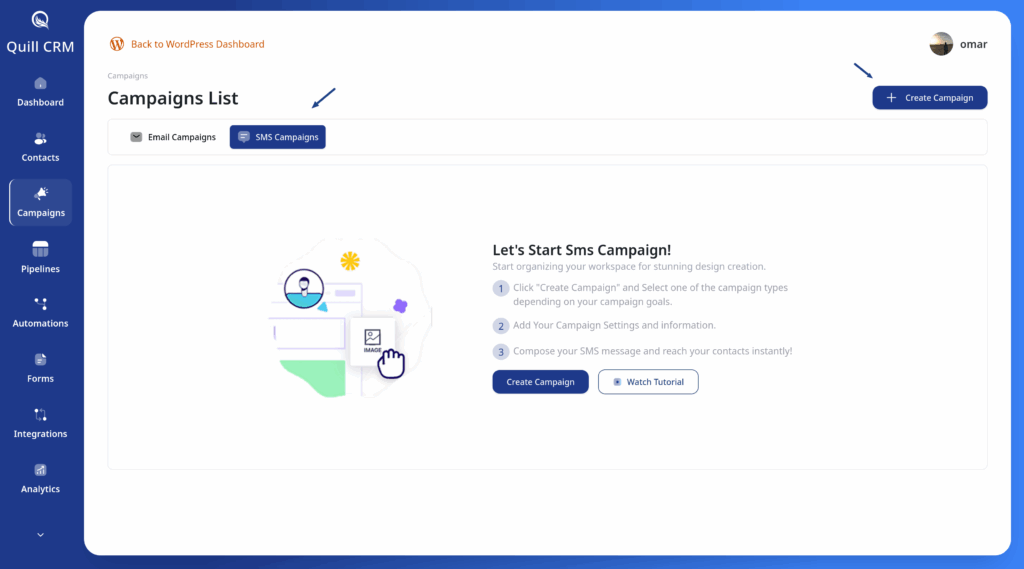
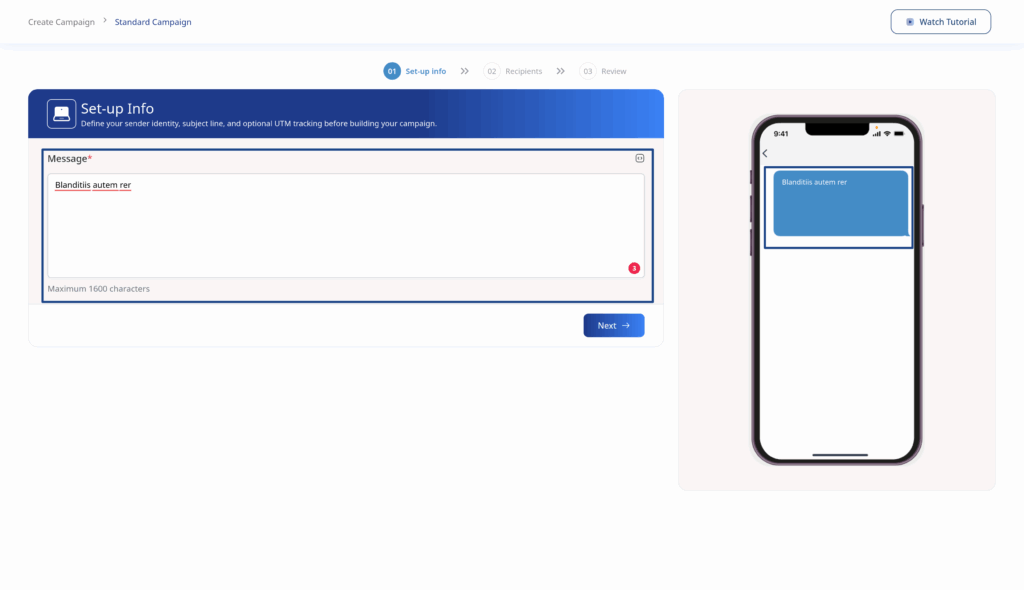
- Compose your message in the text area
- Preview your message on the phone mockup
SMS Guidelines
| Specification | Details |
|---|---|
| Character Limit | 1600 characters maximum |
| Personalization | Merge tags supported |
| Links | Automatically shortened for tracking |
Composing Your Message
- Write your message content
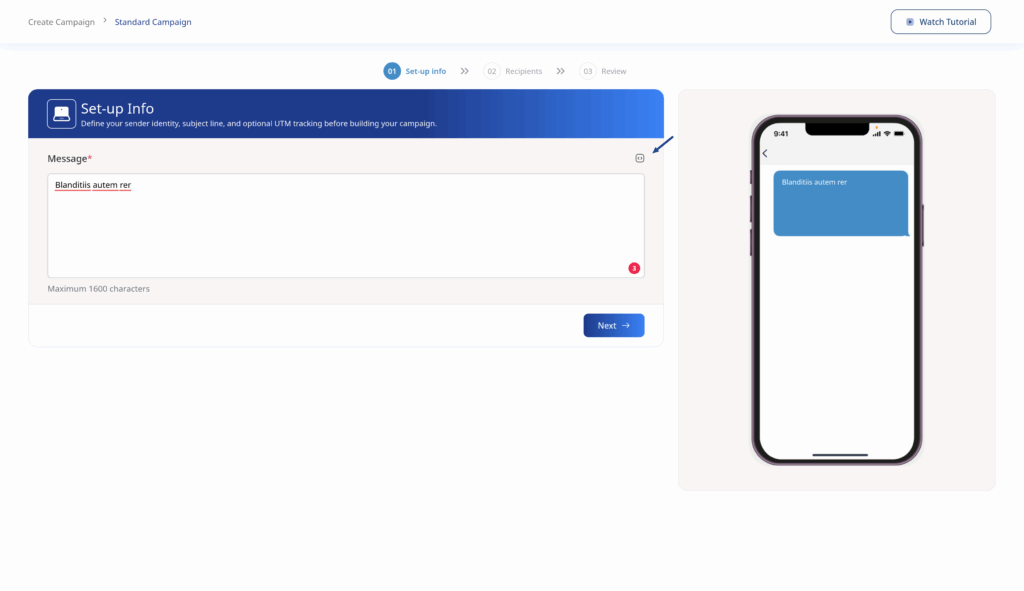
- Click the Merge Tags icon to insert personalization
- Preview how your message appears on a mobile device
- Important: SMS campaigns require contacts to have valid phone numbers. Contacts without phone numbers will be automatically excluded.