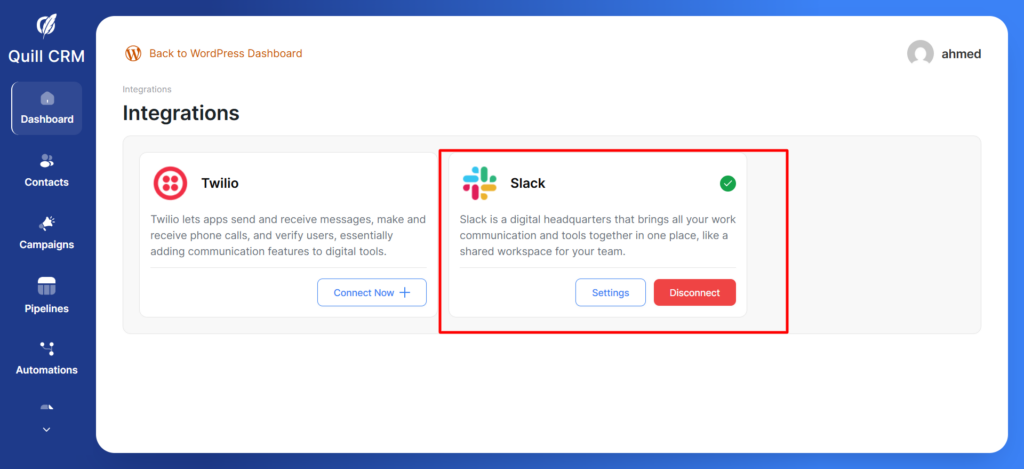
QuillCRM Automations integrates seamlessly with Slack so that you can create and run automations to socially connect with your teammates and update them on important issues, like when an item in your stock gets reduced, and so on.
In this documentation, you’ll learn how to sync your Slack account with QuillCRM Automations.
Connecting Slack with QuillCRM Automations
Slack allows you to socially connect with your team by sending out messages to an individual user or a group.
To use Slack with QuillCRM Automations, we first need to establish a connection between the two.
Here’s how to do that:
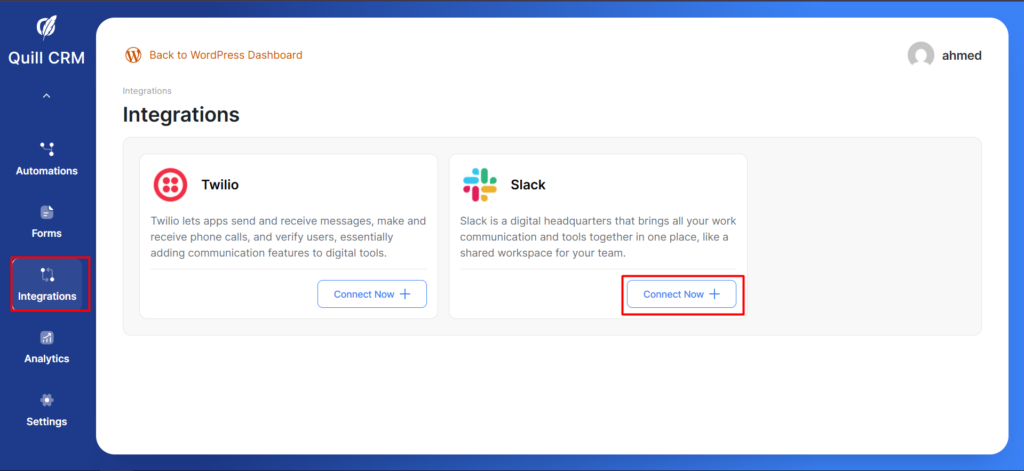
Step 1: Go to Integrations. After this, click on Connect Now.
You will see a popup window that guides you through obtaining the Client ID and Client Secret.
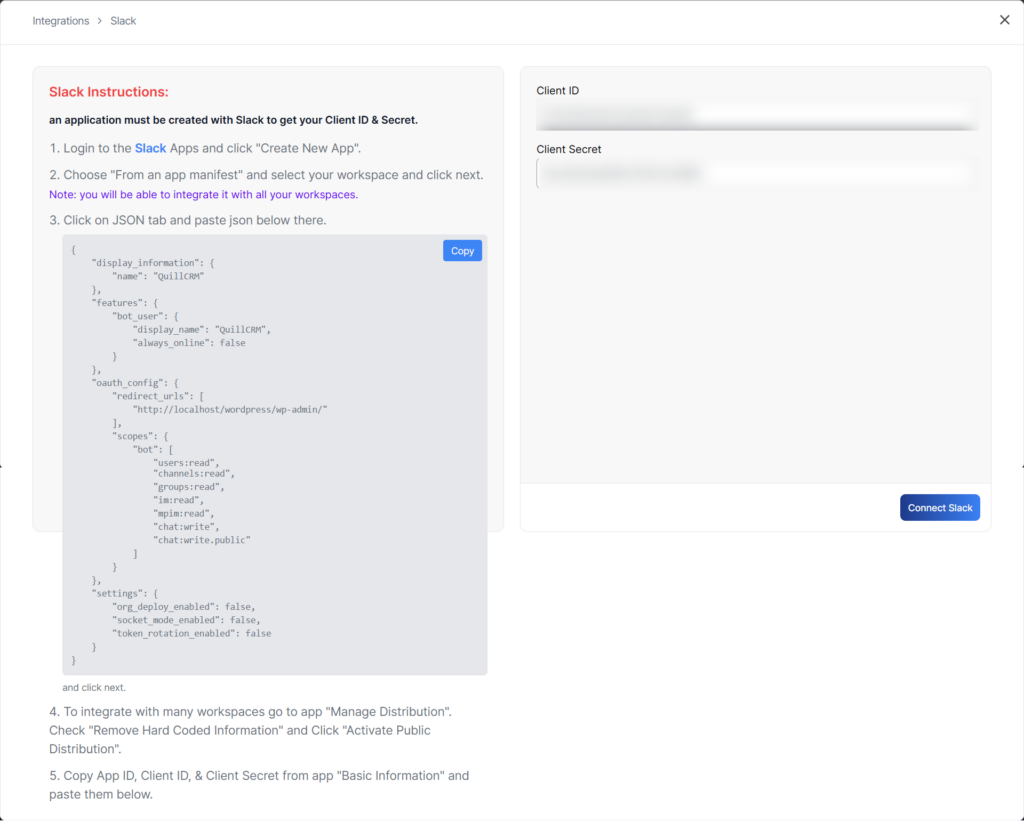
After obtaining the Client ID and Client Secret, click on Connect Slack. If the credentials are correct, the connection will be established; otherwise, the connection will fail.