






















The Advanced Filters feature provides powerful querying capabilities to segment your contacts based on complex criteria.
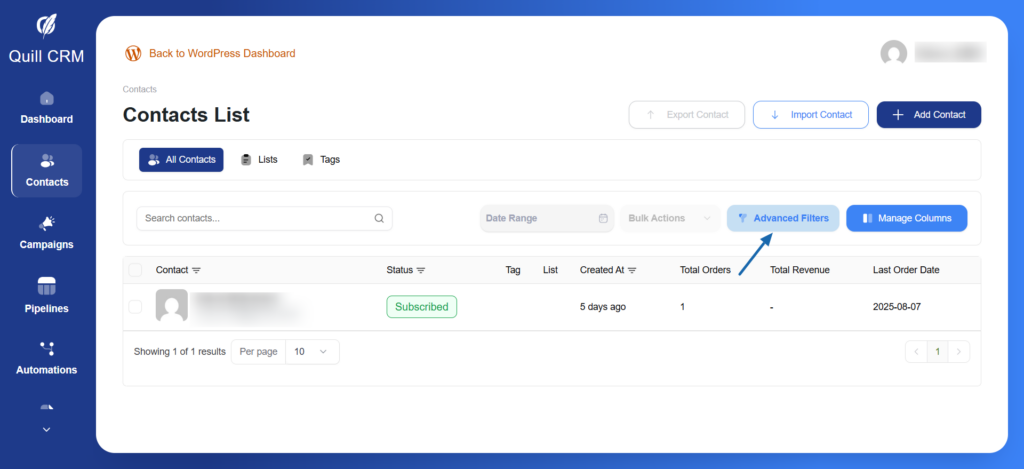
How to access: Click the “Advanced Filters” button (with filter icon) in the toolbar below the search box.
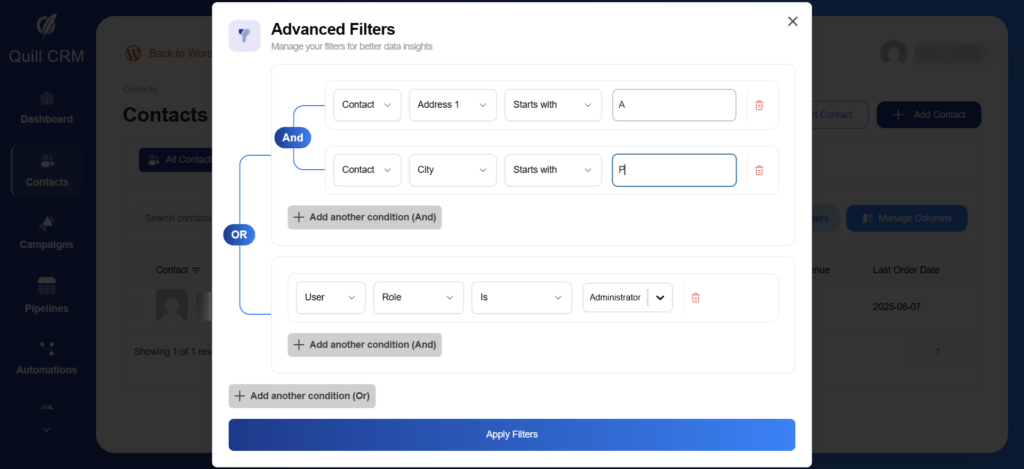
Creating Filters:
- Click “Advanced Filters”
- Select a field from the first dropdown (e.g., “Contact”, “Address 1”)
- Choose a condition operator (e.g., “Is”, “Contains”, “Is not”)
- Enter the value to filter by
- Click “Add another condition (And)” to add conditions that must ALL be true
- Click “Add another condition (Or)” to add alternative conditions
- Click “Apply Filters” to view matching contacts