






















Managing Custom Fields
Each custom field has action buttons:
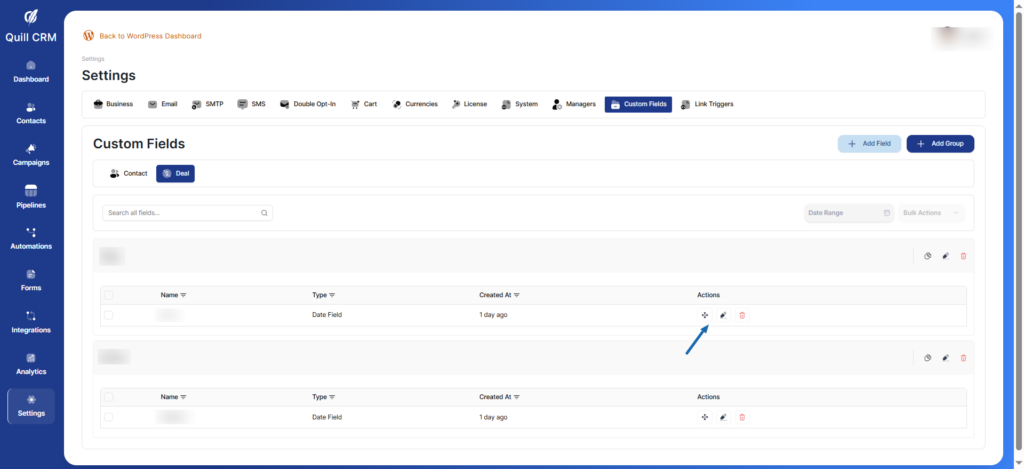
- Move: Move the field from group to another by drag and drop
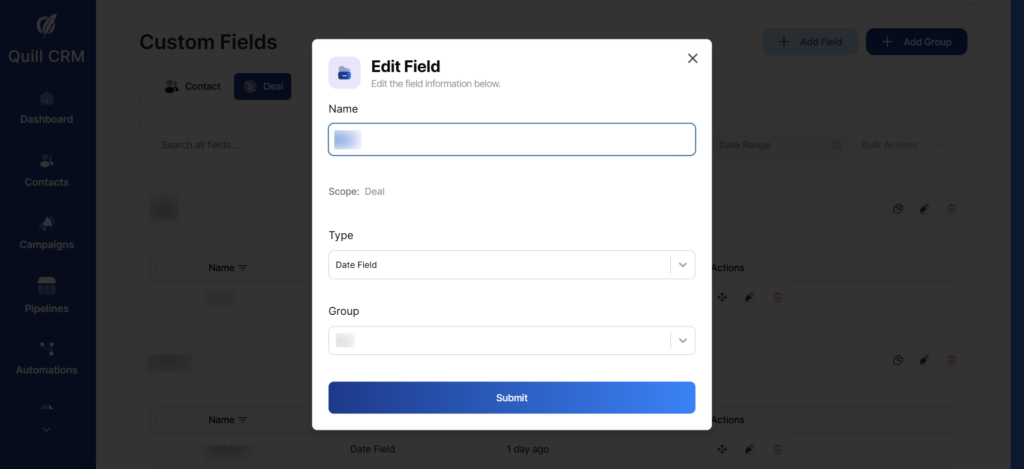
- Edit: Modify field settings
- Delete: Remove the field
Managing Groups
Each group has action buttons:
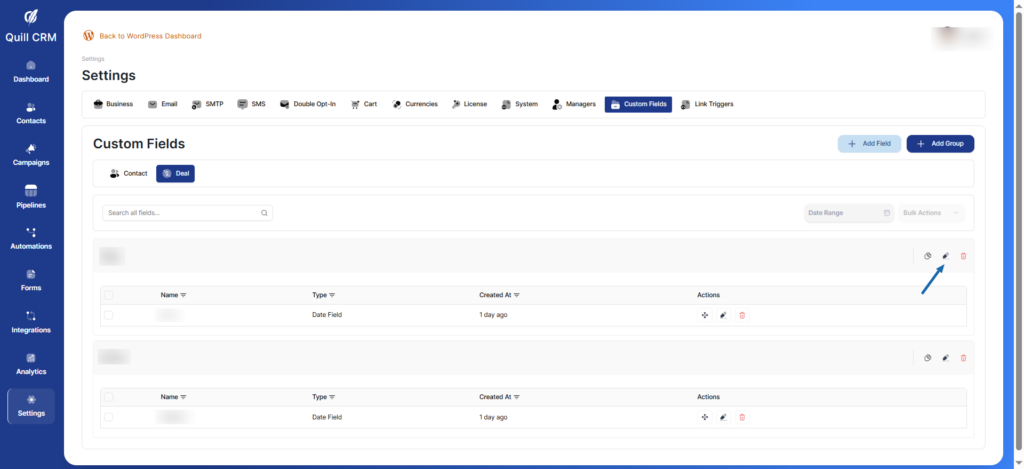
- Duplicate: Make another copy of the group with the same fields
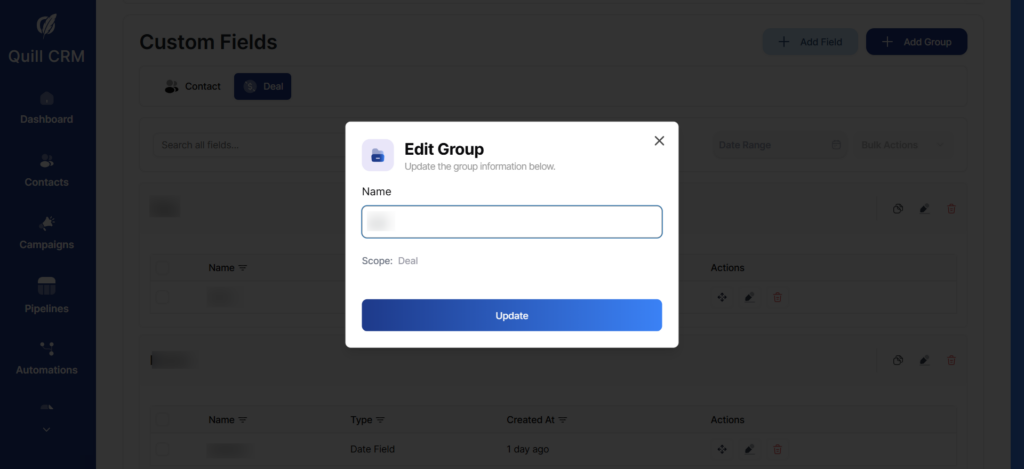
- Edit: Rename the group
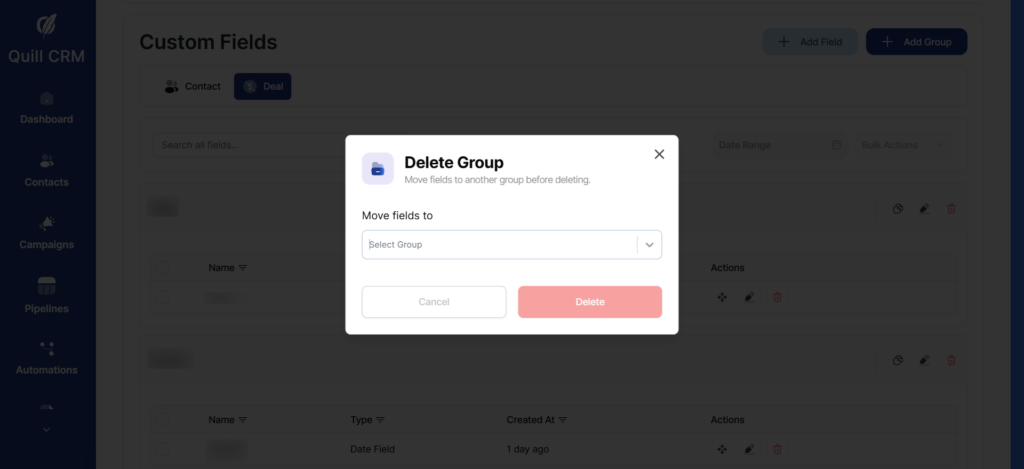
- Delete: Remove the group (fields must be moved or deleted first)
Note: Groups help you organize related fields together, making it easier to manage large numbers of custom fields.