






















Custom Fields allow you to store additional information about your contacts beyond the standard fields (name, email, etc.). You can create unlimited custom fields to track any data relevant to your business, making your contact records more comprehensive and your segmentation more powerful.
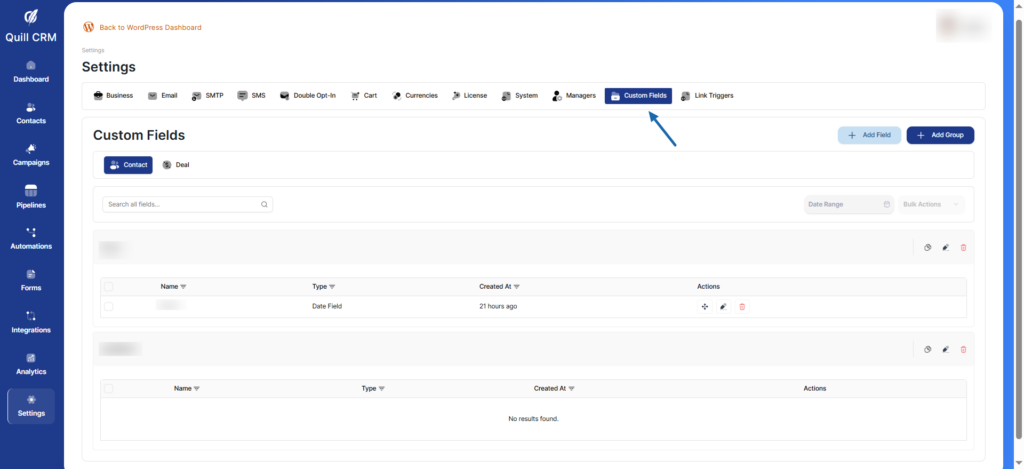
What Are Custom Fields?
Custom Fields are user-defined data fields that you can add to contact records. They help you:
- Capture unique business data – Store information specific to your industry or business model
- Segment contacts better – Filter and organize contacts based on custom criteria
- Personalize communications – Use custom field data in your emails and campaigns
- Track customer preferences – Record choices, interests, and behavior patterns
- Manage sales data – Store deal values, stages, sources, and other sales information
Use Cases for Custom Fields
E-commerce
- Purchase history
- Favorite product category
- Customer lifetime value
- Preferred payment method
- Shipping preferences
SaaS Companies
- Plan type (Free, Pro, Enterprise)
- Account status
- Feature usage
- Company size
- Industry
Service Businesses
- Service tier
- Last service date
- Service preferences
- Account manager
- Contract renewal date
Education & Training
- Course enrolled
- Completion status
- Skill level
- Learning preferences
- Certification date
Real Estate
- Property interests
- Budget range
- Location preference
- Buying timeline
- Property type
Contact vs Deal Fields
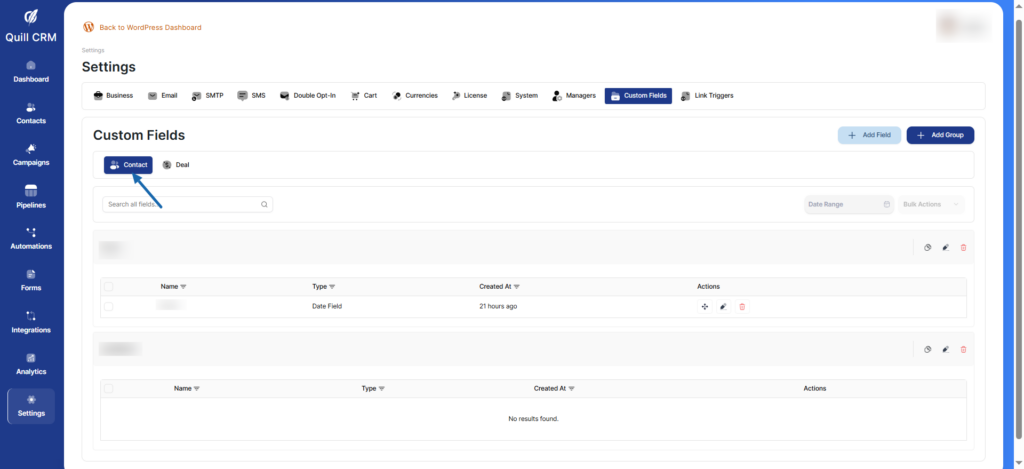
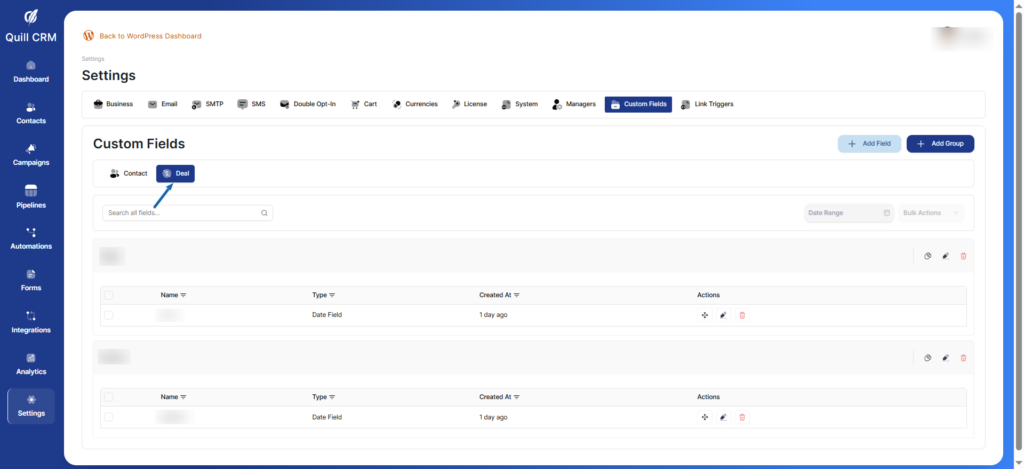
Switch between two tabs:
- Contact: Custom fields for contact records
- Deal: Custom fields for deal records
Field Groups
Custom fields are organized into groups for better organization. You can create multiple groups to categorize your fields logically.