






















Track abandoned carts and configure cart recovery settings for your e-commerce integration.
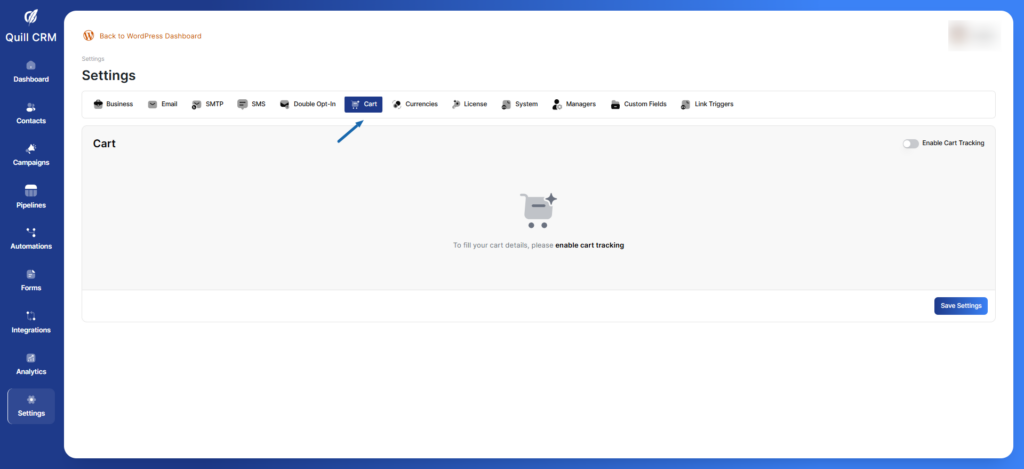
Enable Cart Tracking
Toggle this setting to enable or disable cart tracking functionality.
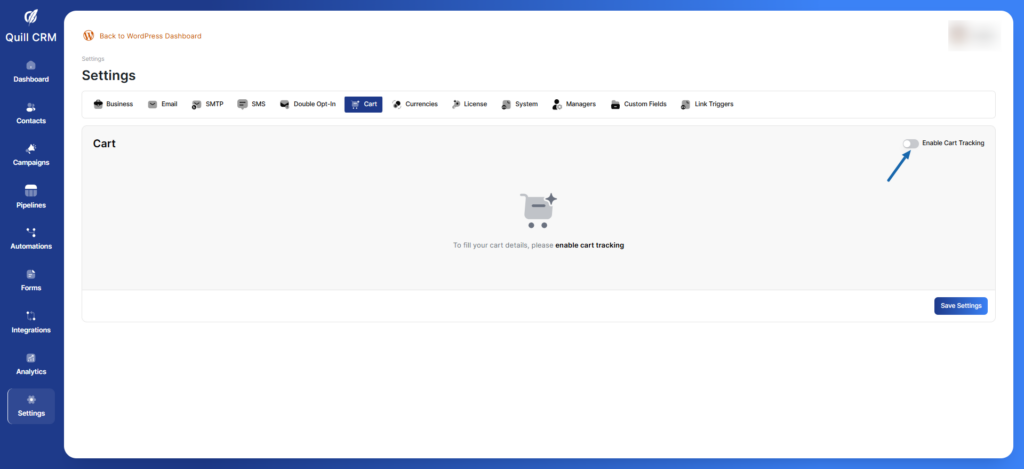
Status: Enabled/Disabled (Toggle switch)
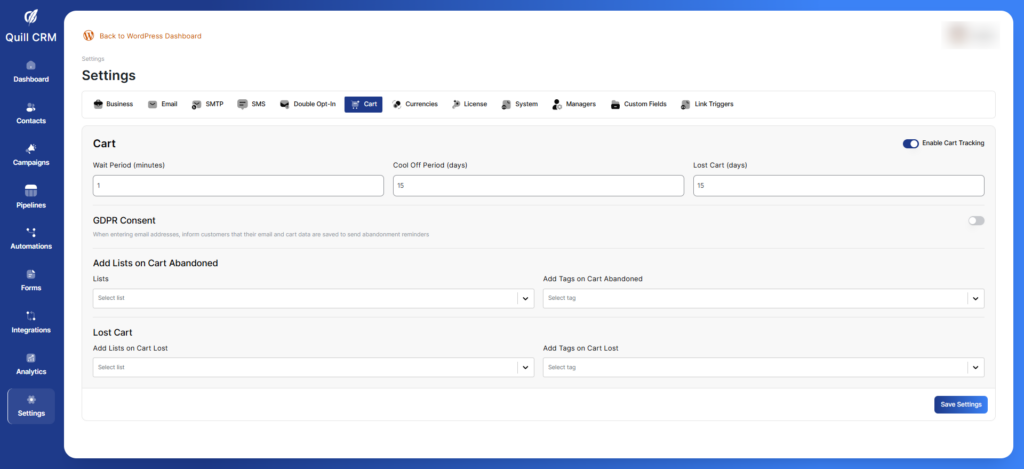
Wait Period (minutes)
Set how long to wait before considering a cart as abandoned.
Note: In production, you may want to increase this to 15-30 minutes.
Cool Off Period (days)
Set how many days to wait after the last cart abandonment email before sending another sequence.
Lost Cart (days)
Set how many days before a cart is considered permanently lost and removed from active tracking.
GDPR Consent
Enable GDPR Consent
Toggle to show a GDPR consent message when collecting email addresses.
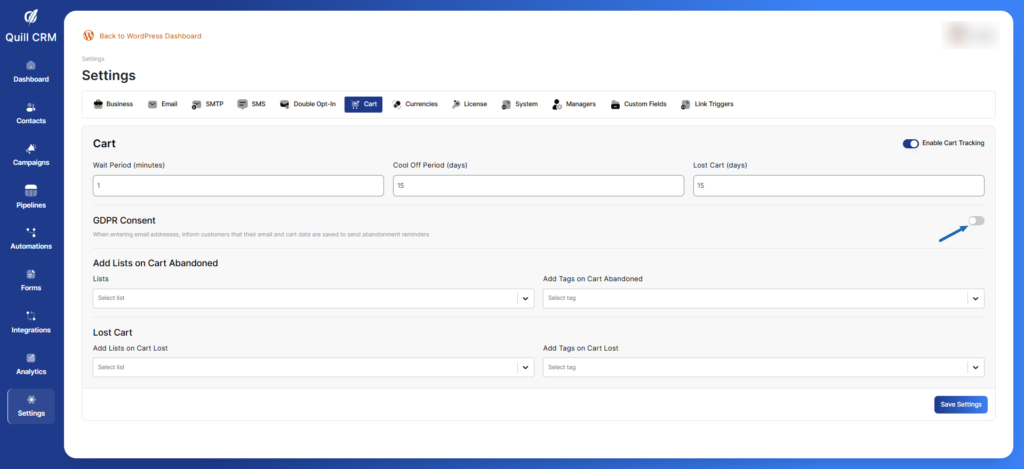
Status: Enabled/Disabled (Toggle switch)
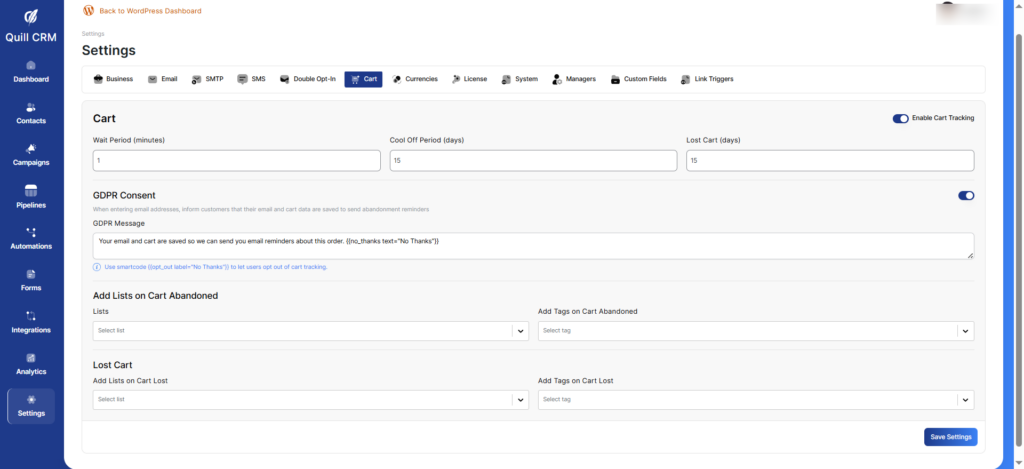
GDPR Message
Customize the message shown to users about data collection.
Info: Use shortcode {opt_out label="No Thanks"} to let users opt out of cart tracking.
Automation Triggers
Add Lists on Cart Abandoned
Select which lists contacts should be added to when they abandon a cart.
Add Tags on Cart Abandoned
Select which tags should be applied to contacts when they abandon a cart.
Add Lists on Cart Lost
Select which lists contacts should be added to when their cart is marked as lost.
Add Tags on Cart Lost
Select which tags should be applied to contacts when their cart is marked as lost.