






















Set up double opt-in confirmation emails to ensure subscribers want to receive your communications.
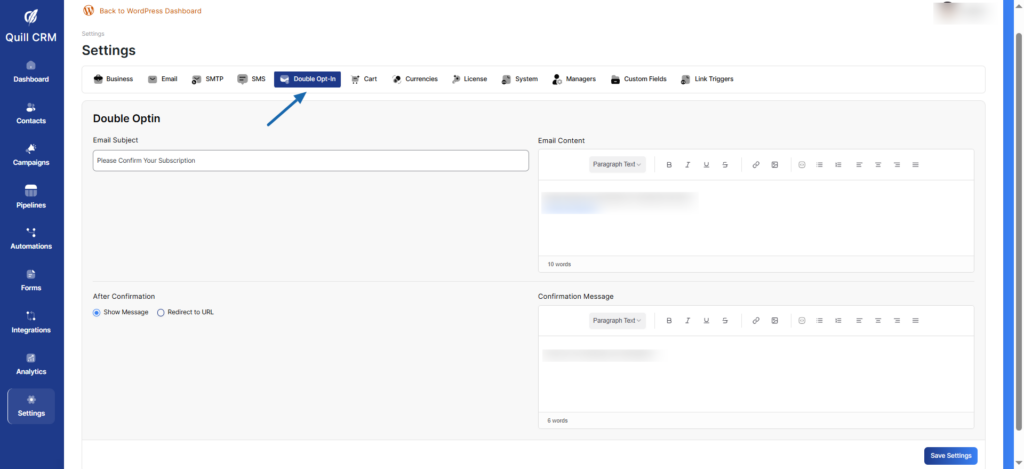
Email Subject
The subject line for the double opt-in confirmation email.
Email Content
The body of the confirmation email. Include a clear call-to-action with a confirmation link.
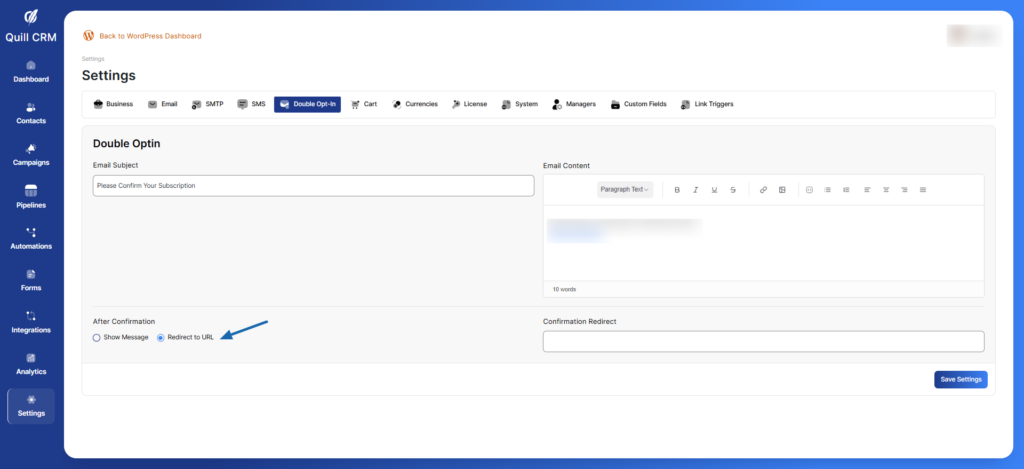
After Confirmation
Choose what happens after a user confirms their subscription:
- Show Message: Display a confirmation message to the user
- Redirect to URL: Redirect the user to a specific page on your website
Confirmation Message
If you selected “Show Message”, enter the message that will be displayed.
Confirmation Redirect
If you selected “Redirect to URL”, enter the URL where users will be redirected after confirmation.