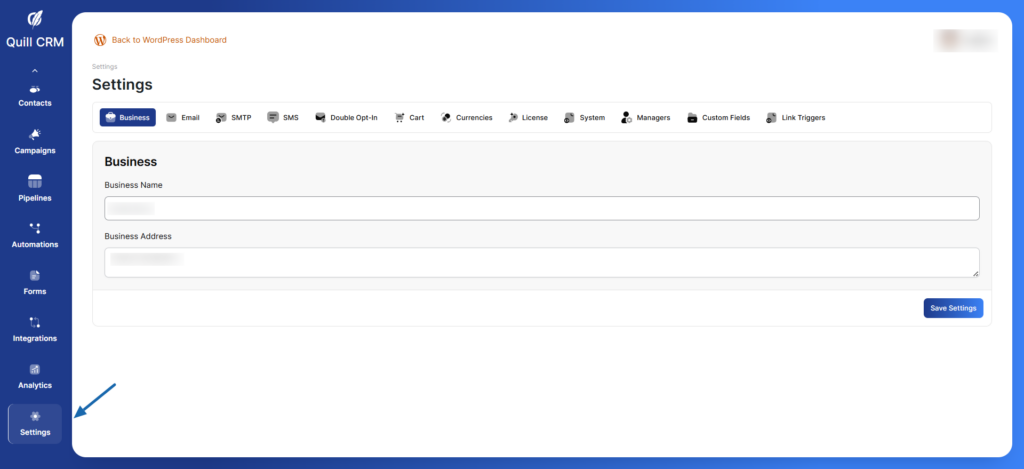
The Global Settings in QuillCRM allow you to configure essential aspects of your CRM system, including business information, email settings, communication preferences, cart tracking, and custom fields. This documentation will guide you through each setting to help you optimize your CRM experience.
Accessing Global Settings
- Navigate to your WordPress Dashboard
- Click on QuillCRM in the sidebar
- Select Settings from the menu
- You’ll see multiple tabs at the top for different setting categories