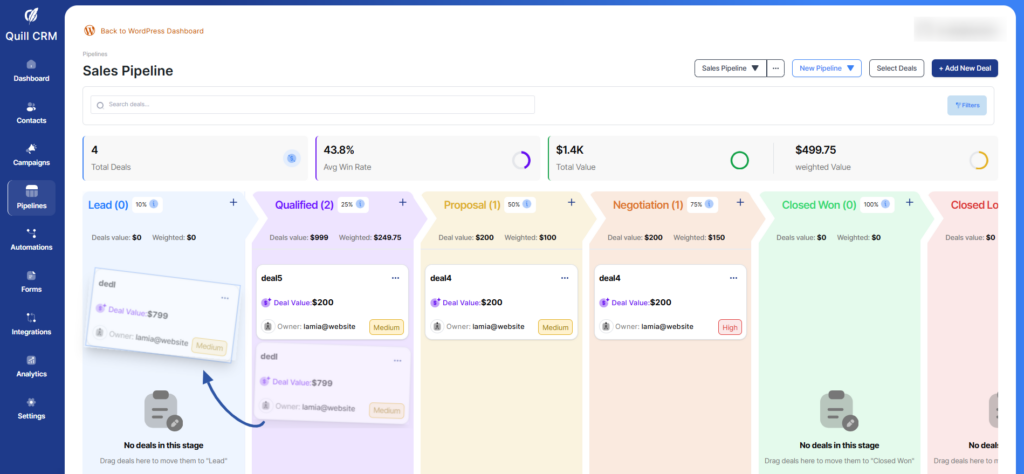
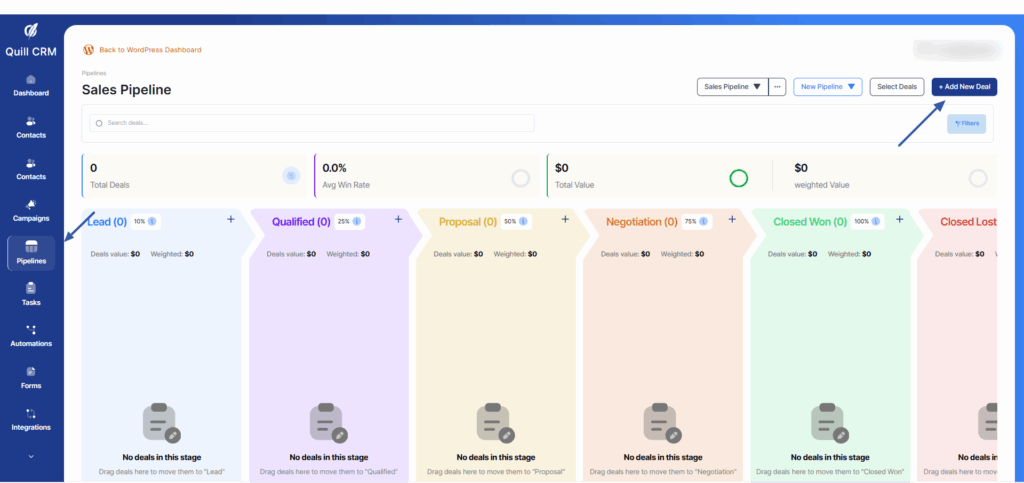
Step 1: Navigate to the pipeline
- Go To QuillCRM-PRO
- Click the Create new deal
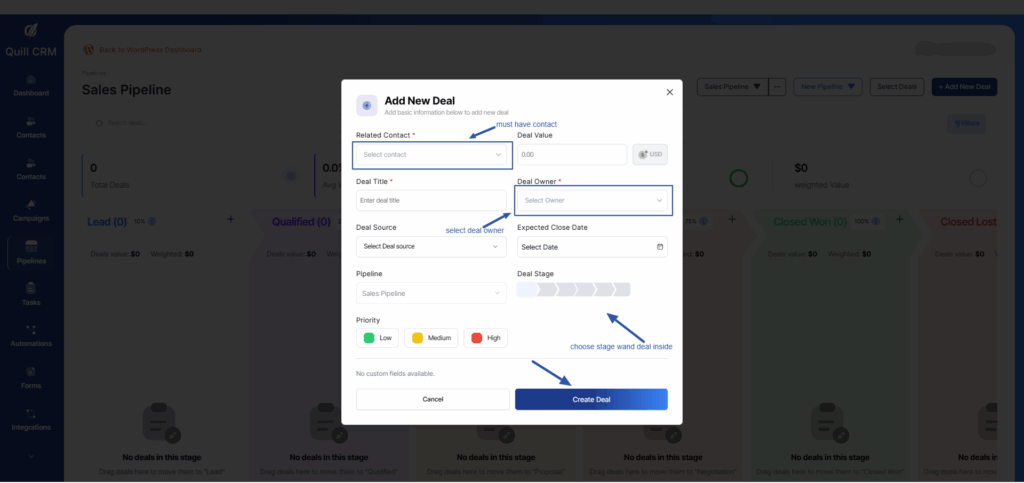
Step 2: Create a new deal
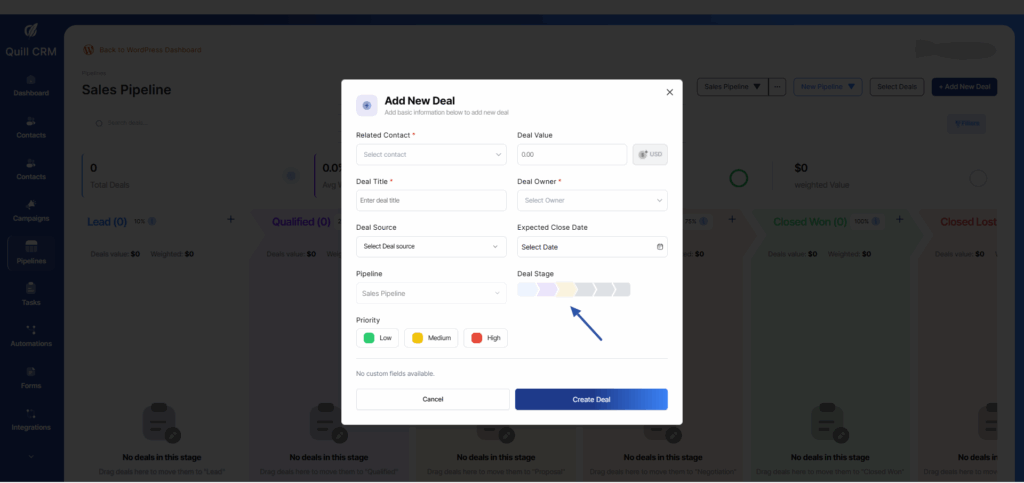
- Select a related contact and deal owner
- Choose any stage you want to deal inside
- fill other inputs
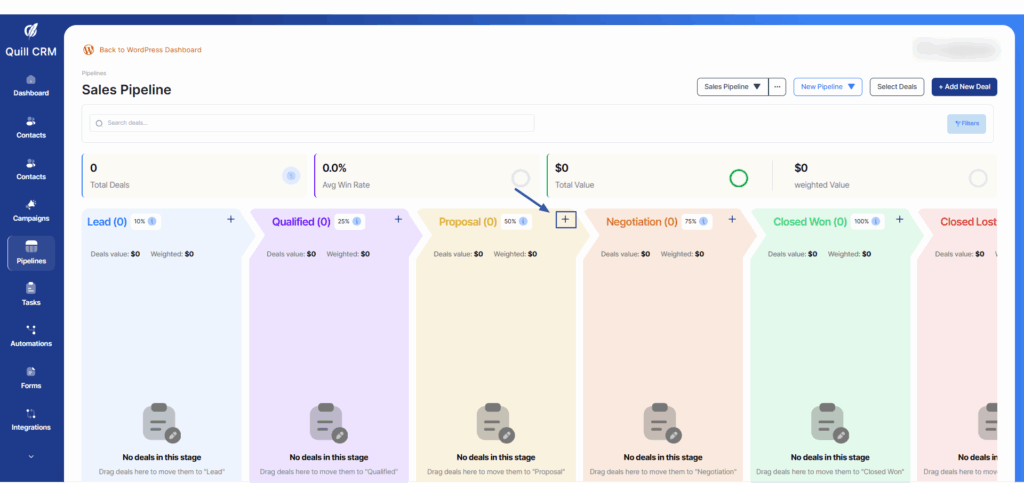
You can add a new deal by clicking the plus (+) icon inside any stage of the pipeline. The deal’s stage is automatically assigned depending on which stage’s plus button you clicked.
Also, can easily move deals between stages by using drag and drop. Just select a deal card and drag it to the desired stage.