






















WooCommerce Membership is an official WooCommerce plugin that enables you to grant access to your website’s paid content and manage memberships in your store.
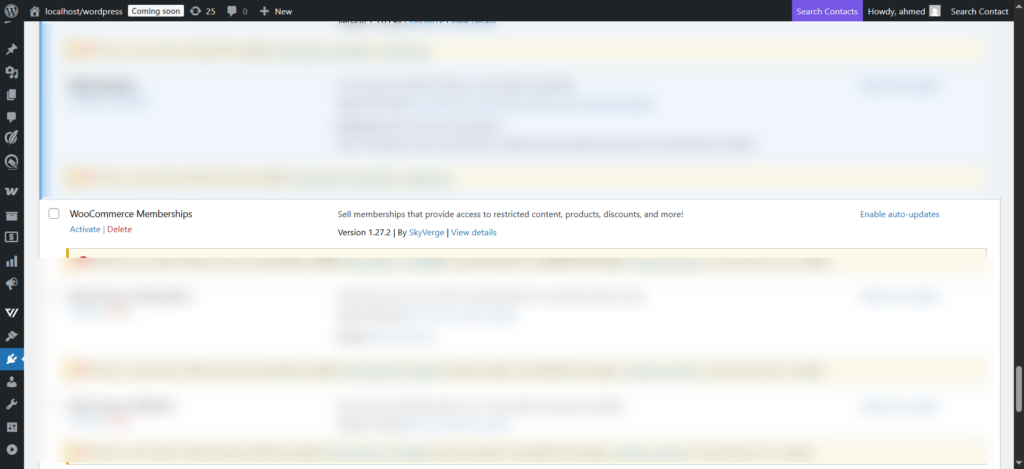
You must have WooCommerce Membership plugin installed and activated in your store for the related triggers (or events) to show up.
Head over to the following documentations where you’ll find each of the triggers, actions, rules, and merge tags covered in detail.
First download the plugin and install it, then activate this plugin.
Triggers
Here are the triggers associated with WooCommerce Memberships:
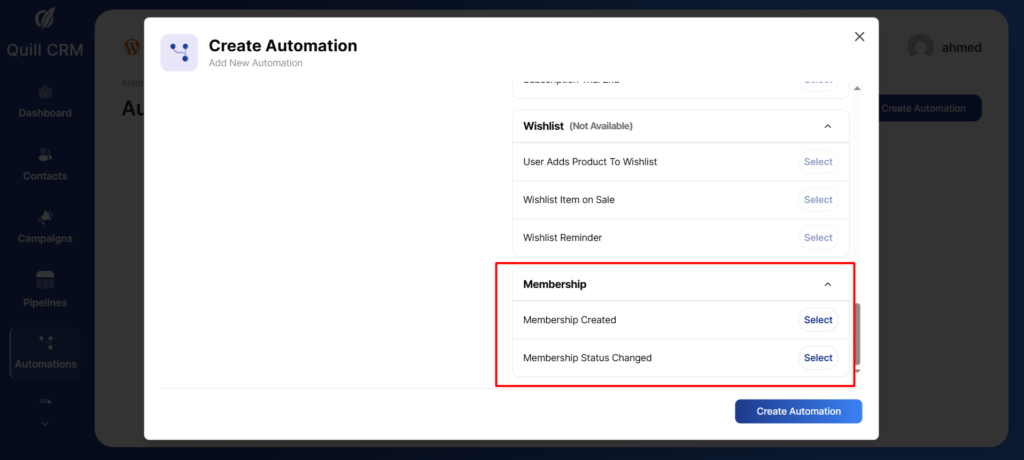
Membership Created: Select this trigger if you want to run an automation when a new membership is created in your store.
Membership Status Changed: When you select this trigger, your automation will run only when the membership status of your member(s) changes from one state to the other.
For example, when the status changes from ‘Active’ to ‘Expired’ or from ‘paused’ to ‘Cancelled’, etc.
Rules
Select the ‘+’ button to choose what action to take when an event gets triggered.
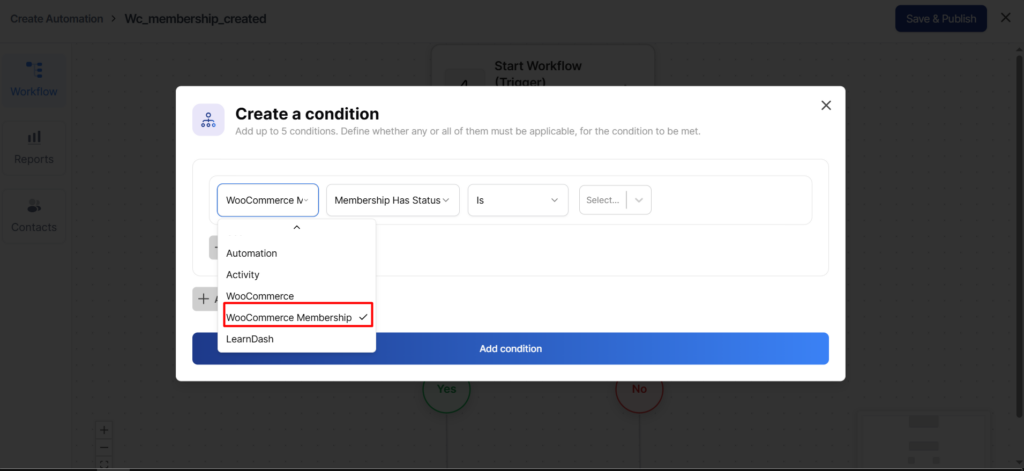
Here are some WooCommerce Membership-specific rules that you can use:
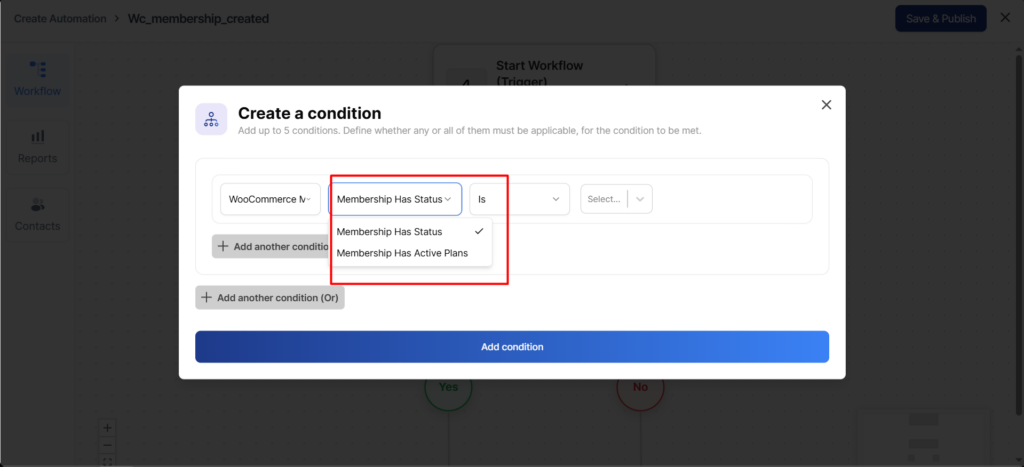
Membership Has Status: Use this rule to take action based on the membership status of your users.
Take a look:
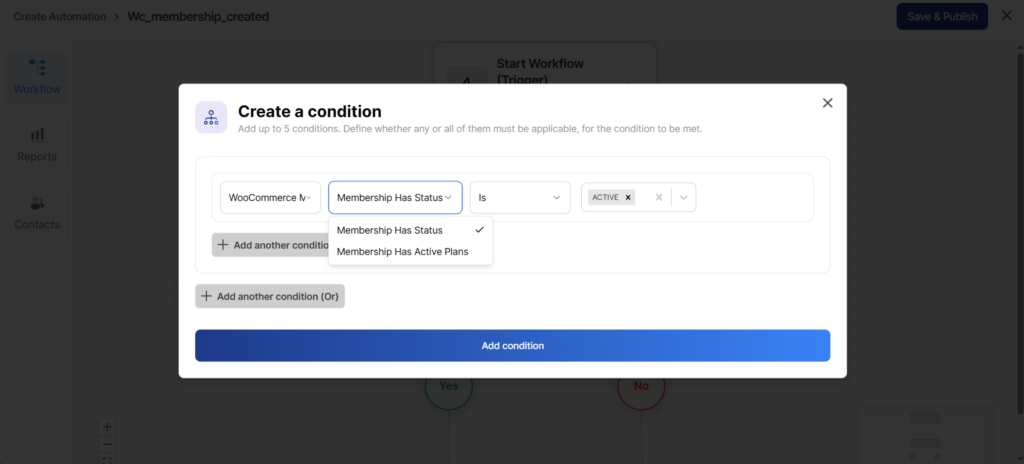
Membership Has Active Plans: Select this rule to take action based on the active membership plans of your members.
Merge Tags
Select from a wide range of membership-specific merge tags to personalize your content.
Take a look:
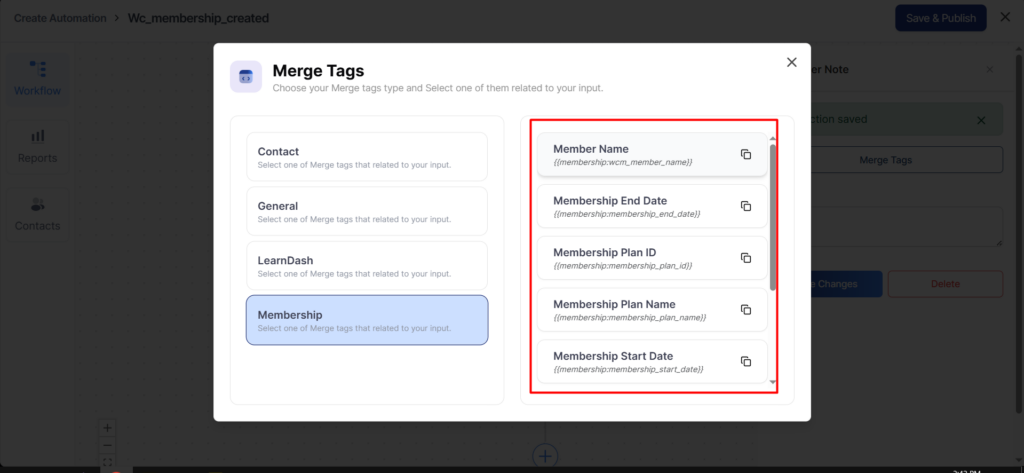
Member Name
Outputs the full name of the member associated with the membership.
Merge Tag: {{membership:wcm_member_name}}
Membership End Date
Outputs the date when the user’s membership is scheduled to end or expire.
Merge Tag: {{membership:membership_end_date}}
Membership Plan ID
Outputs the unique ID of the membership plan assigned to the user.
Merge Tag: {{membership:membership_plan_id}}
Membership Plan Name
Outputs the name of the membership plan associated with the user.
Merge Tag: {{membership:membership_plan_name}}
Membership Start Date
Outputs the date when the user’s membership started.
Merge Tag: {{membership:membership_start_date}}
User Membership ID
Outputs the unique ID of the user’s membership record.
Merge Tag: {{membership:user_membership_id}}
User Membership Renewal URL
Outputs the URL that allows the user to renew their membership.
Merge Tag: {{membership:user_membership_renewal_url}}
User Membership Status
Outputs the current status of the user’s membership (for example: active, cancelled, expired).
Merge Tag: {{membership:user_membership_status}}
You can use these merge tags to send out highly relevant and personalized messages in the form of emails or SMSs.