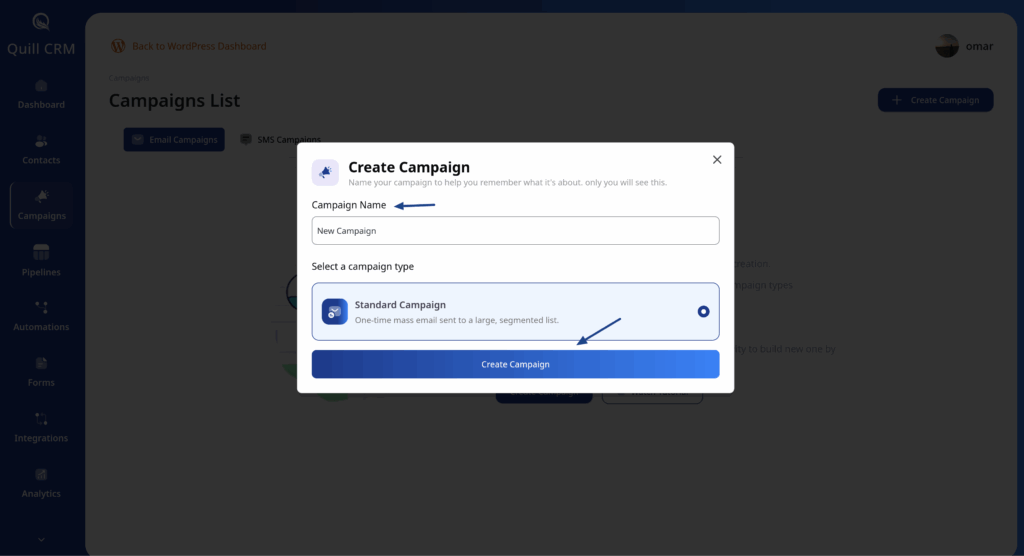
Step 1: Navigate to Campaigns
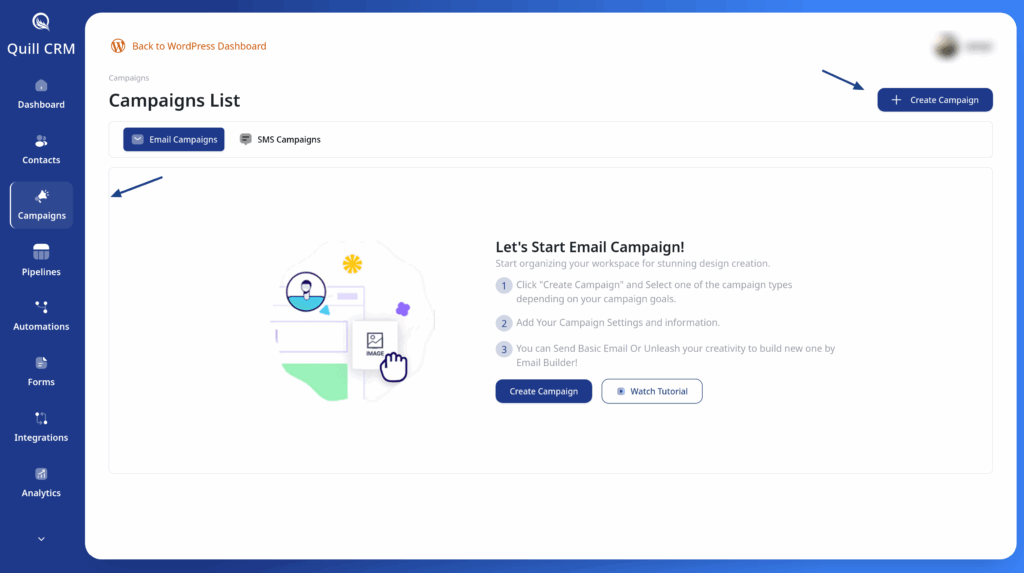
- Go to QuillCRM → Campaigns in your WordPress admin
- Click the Create Campaign button
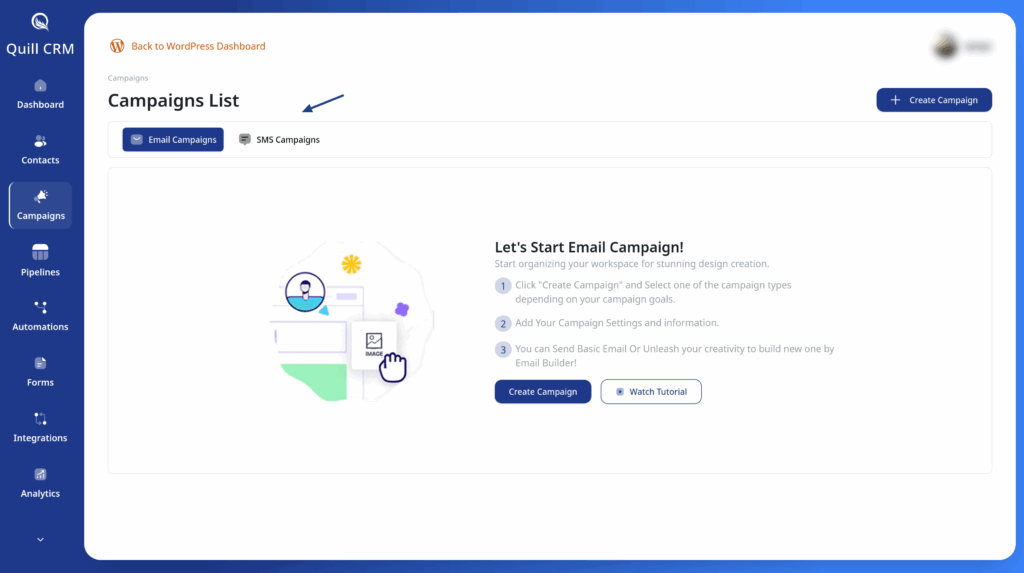
Step 2: Select Channel
Choose your communication channel:
- Email – For rich content with images and links
- SMS – For short, direct messages
Pro Tip: The channel you select determines what contact information is required. Email campaigns need email addresses, while SMS campaigns need phone numbers.
Step 3: Fill the Required Data
- Write the campaign name
- Click the Create Campaign button