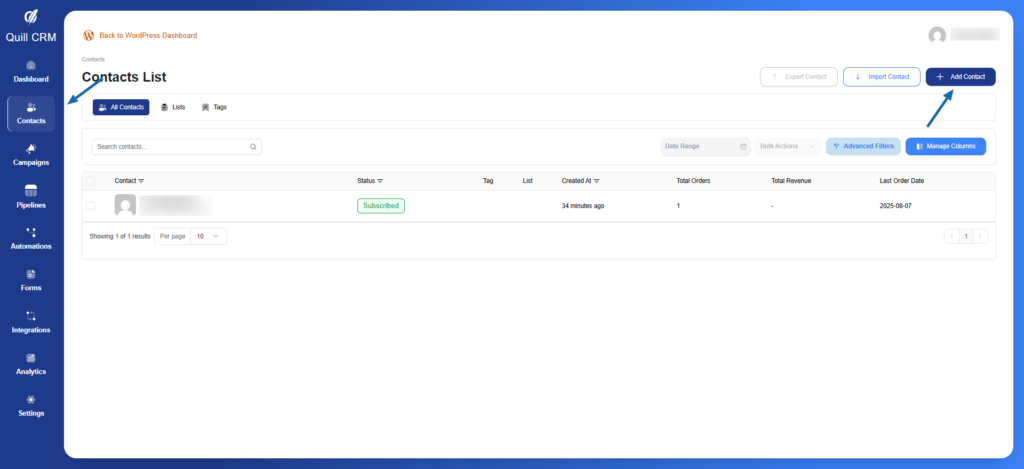
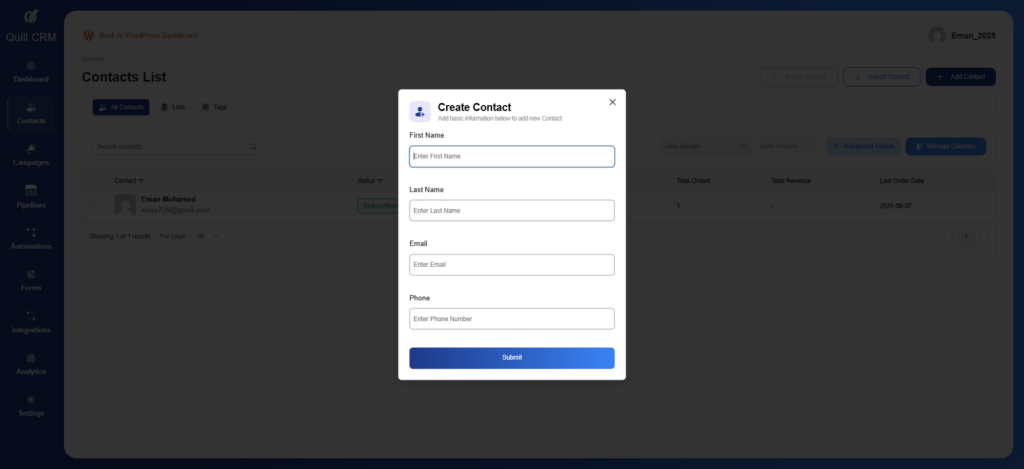
Step 1: Navigate to Contacts Go to QuillCRM → Contacts in your WordPress admin Click the Add Contact button Step 2: Fill the Required Data First Name Last Name Email Phone Click the Submit button