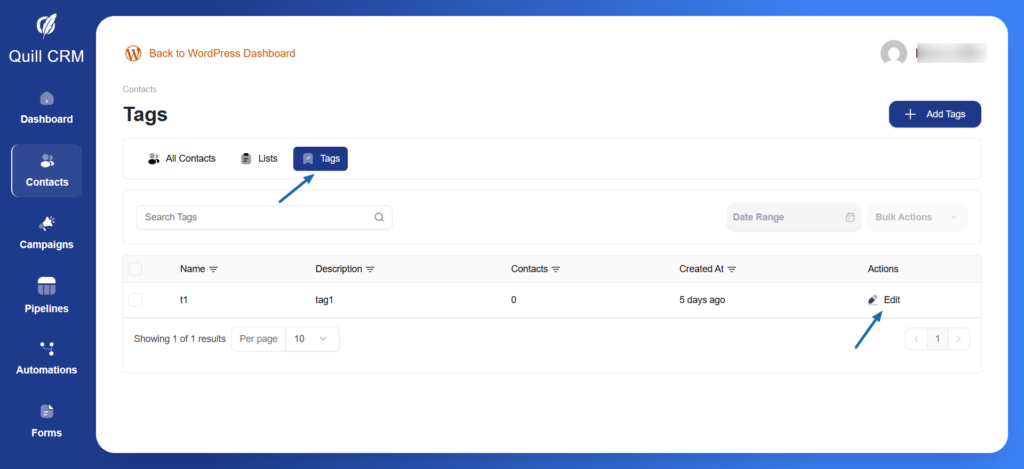
Tags provide flexible categorization for your contacts based on interests, behaviors, or characteristics.
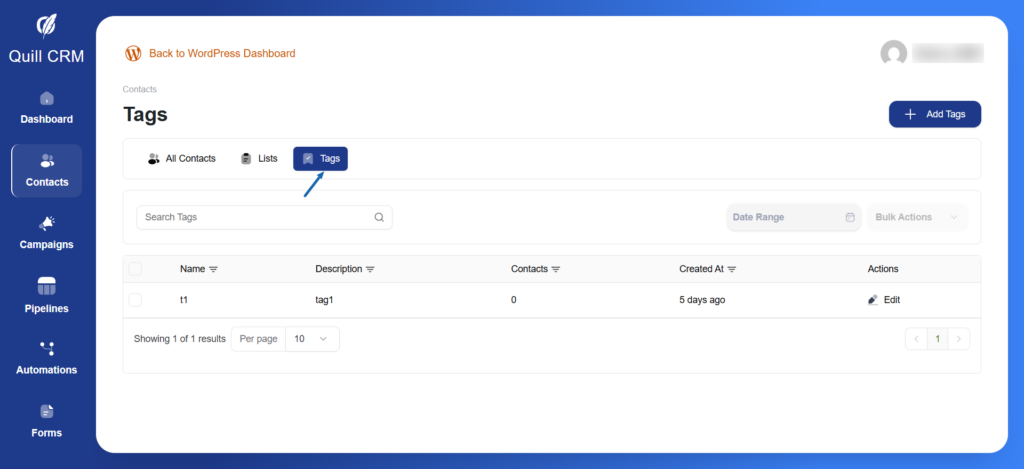
Access Tags: Click the “Tags” tab in the Contacts section to view and manage all your tags.
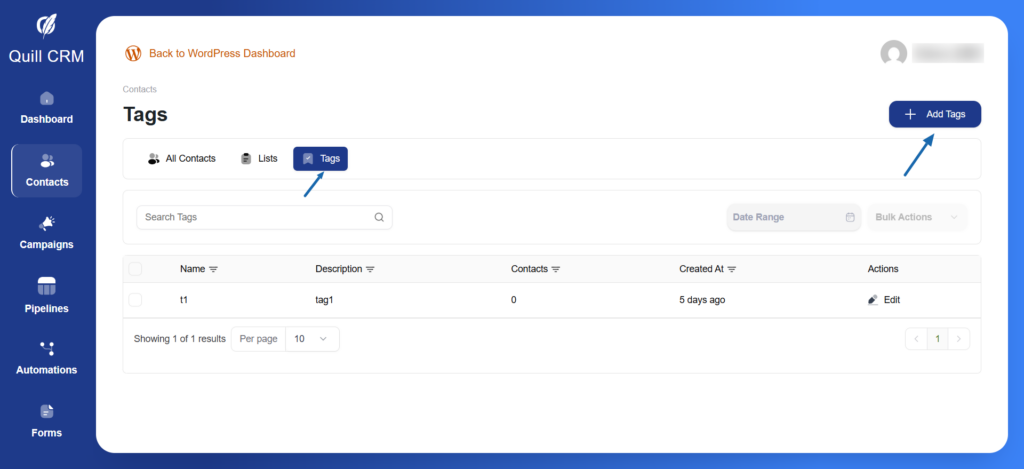
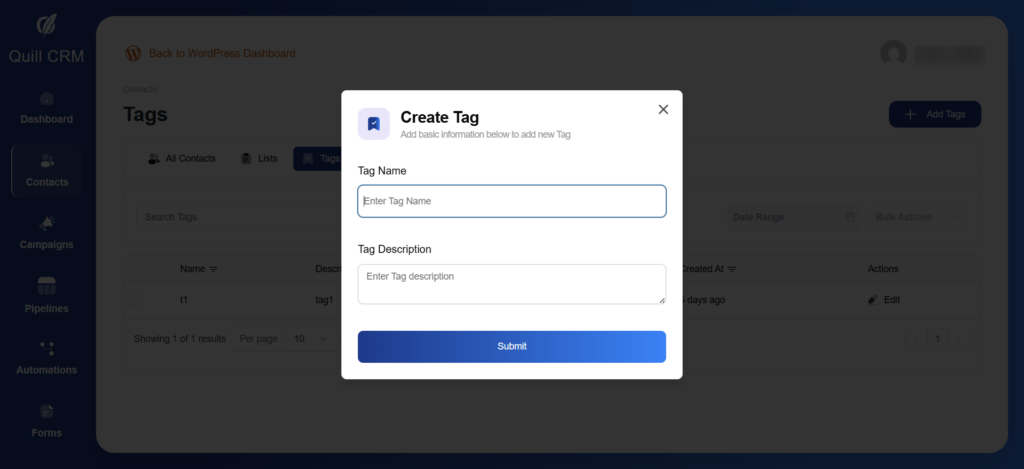
To create a new tag:
- Click the “Add Tags” button in the top-right corner
- Enter the tag name
- Add an optional description
- Click “Submit” to create the tag
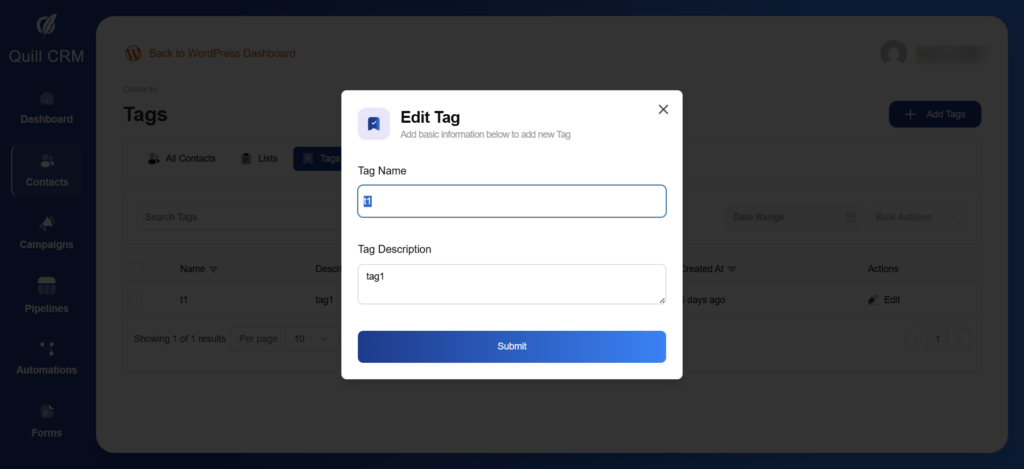
To edit a tag:
- Click the “Edit” button in the actions column
- Edit the tag name or tag description if needed
- Click “Submit” to edit the tag