






















Manage CRM access for your team members.
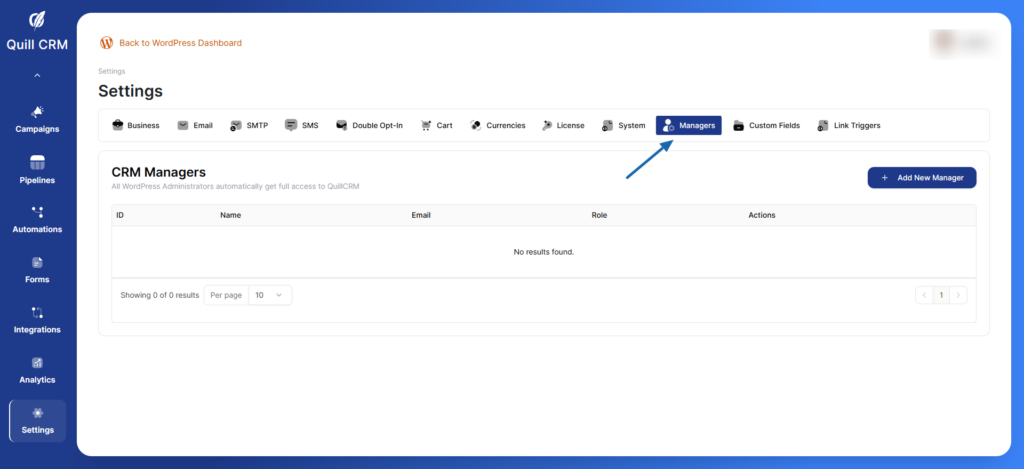
CRM Managers
All WordPress Administrators automatically get full access to QuillCRM. You can grant additional users access to the CRM with specific roles.
Adding a New Manager
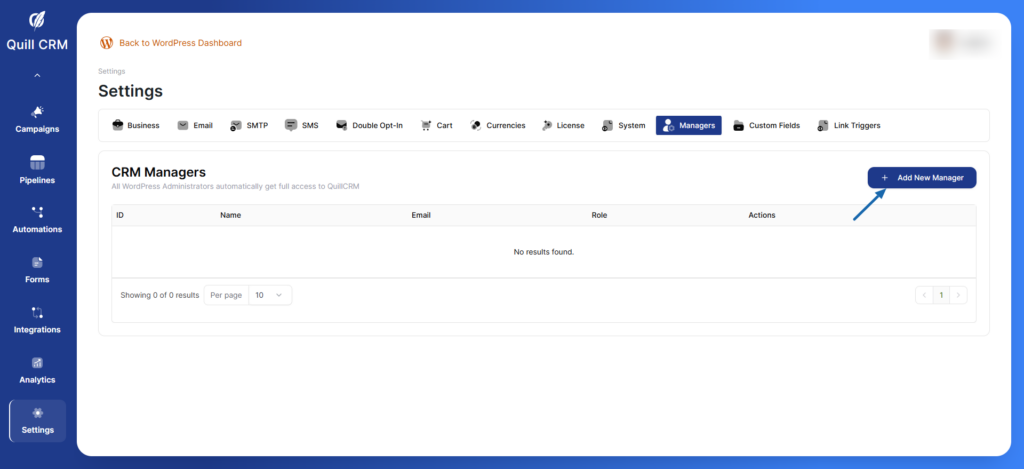
- Click the “Add New Manager” button
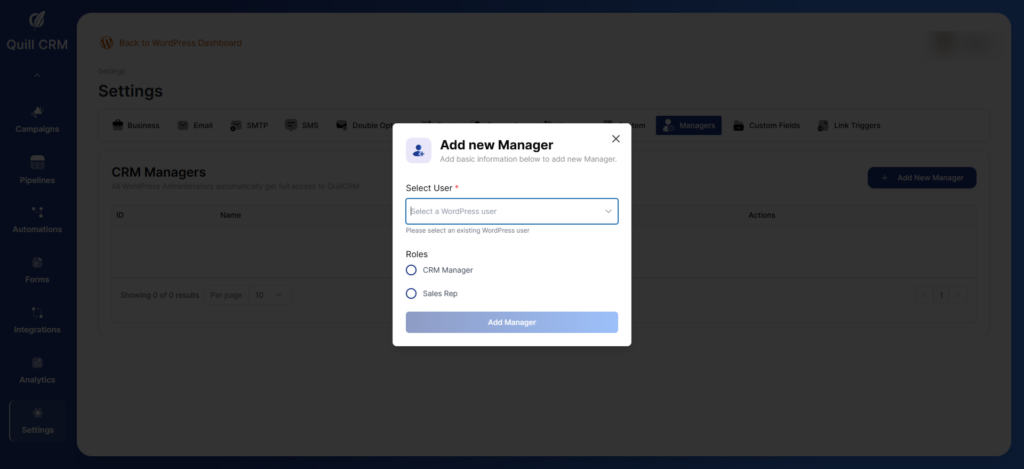
- Select a WordPress user from the dropdown
- Choose their role:
- CRM Manager: Full access to CRM features
- Sales Rep: Limited access focused on sales activities
- Click “Add Manager” to save
Manager Table Actions
Edit or delete manager access